Naver Map vs Kakao Map for Foreigners: How to Use Them (2026)

Install both Naver Map (네이버 지도) and Kakao Map (카카오맵), and use each for what it does best. Naver is the stronger all-rounder for transit routes, subway exit numbers and place reviews. Kakao is very good for real-time bus arrivals and taxis. Neither app is fully translated, so a few search tricks, covered below, will save you a lot of frustration.
Quick facts
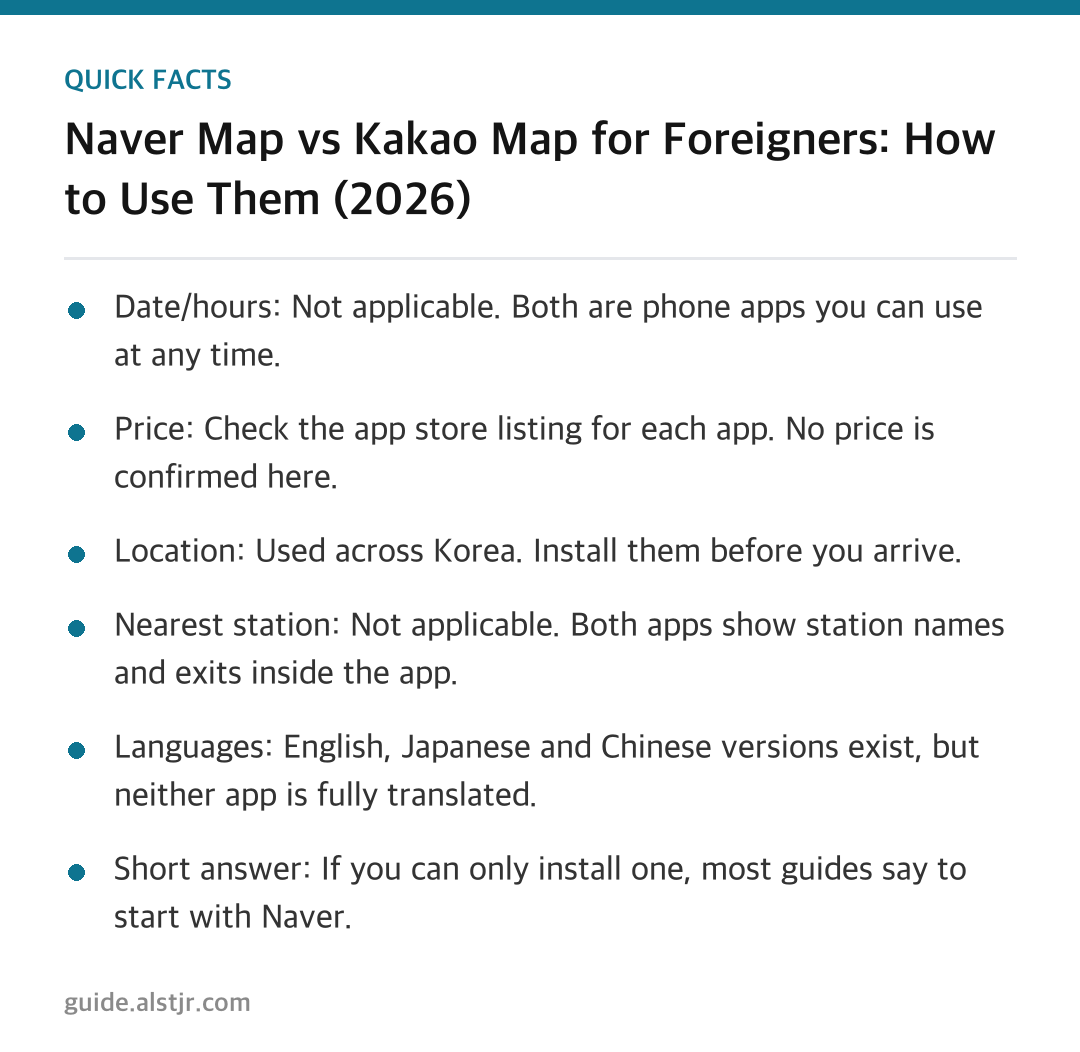
- Date/hours: Not applicable. Both are phone apps you can use at any time.
- Price: Check the app store listing for each app. No price is confirmed here.
- Location: Used across Korea. Install them before you arrive.
- Nearest station: Not applicable. Both apps show station names and exits inside the app.
- Languages: English, Japanese and Chinese versions exist, but neither app is fully translated.
- Short answer: If you can only install one, most guides say to start with Naver.
Naver Map vs Kakao Map at a glance
Sources disagree on which app is better. Most advise installing both rather than choosing. The table-free summary is simple: Naver tends to win on information, and Kakao tends to win on getting around in real time.
Naver Map: the better all-rounder
Naver had about 27.05 million monthly active users in March 2025, according to Mobile Index/IGAWorks as reported by the Korea Times. Reviewers say it has the richest place data, including reviews, menus, opening hours and blog posts.
- Its English transit information is generally more complete, with station names, transfers and subway exit numbers.
- Many foreigners use it for multi-transfer routes.
- It also works for driving, with English voice guidance.
Kakao Map: strong for buses and taxis
Kakao had about 11.71 million monthly active users in March 2025. Guides rate it very good to excellent for public transit, walking and real-time bus arrivals. It also links to the Kakao T taxi app.
- You can switch the menus to English in settings.
- Reviews and some transit alerts often stay in Korean.
- The web version is mostly Korean only, so use the mobile app.
- Core search and navigation work without a Korean phone number or an account. An account is only needed to save favorites and sync across devices.
- Turn-by-turn driving needs the separate Kakao Navi app.
- Offline use requires downloading areas in advance.
Why English search often fails
This is the biggest problem with both apps. A Korea Times article from 18 April 2025 reported that foreign users often cannot find places by English name or address. Even well-known names such as Myeong-dong (명동) were mentioned.
The companies have acknowledged the issue. Kakao said English place names are not standardized. Naver said its English data for buildings, places and public transport is not yet properly established. Do not assume the app is broken when a search fails. It is a known data gap.
Search workarounds that work
- Search the Hangul name. Copy it from the hotel booking, a restaurant listing or a translation app.
- Search by phone number. Type the last 7-8 digits of the place's phone number. One guide calls this often the most reliable method.
- Try the other app. If a small café or shop is missing in one, it may appear in the other.
- Learn two Korean words. 출구 (chulgu) means exit, and 환승 (hwanseung) means transfer. Exit numbers matter a lot in big stations, because the wrong exit can leave you far from your destination.
What about Google Maps?
Sources describe Google Maps as unreliable in Korea. It gives transit directions but no walking directions, and it misses many businesses. One 2026 guide says a fully functional Google Maps launch was announced in February 2026. That could not be verified as having happened, so treat it as unconfirmed and check the app yourself before relying on it.
How to get there: set up the apps step by step
Here is a simple way to prepare before you land, so the apps are ready when you need them.
- Install both Naver Map and Kakao Map on your phone before you arrive.
- Set the language to English in each app. Check the current English settings, since interfaces may have changed.
- Skip creating an account unless you want to save favorites or sync across devices. Core search and navigation on Kakao work without one.
- Save the Korean names of your hotel and main destinations. Keep them in a notes app so you can paste them into search.
- Download offline areas in advance if you plan to use Kakao offline.
- Use Naver for transit routes, exit numbers and place reviews.
- Use Kakao for bus arrivals, taxis and phone-number search.
Other apps guides mention
- Kakao T: taxis.
- Papago: translation.
- Subway Korea: metro routes.
- Visit Korea: the official app for events and festivals.
For a deeper look at how English settings work, the Korea Bridge guide to Kakao Map in English is a useful companion.
FAQ
Which map app should I install if I only have room for one?
Most guides say to start with Naver Map. It has richer place data and generally more complete English transit information. Kakao Map is still worth adding later for bus arrivals and taxis.
Do I need a Korean phone number or account?
For Kakao Map, core search and navigation work without a Korean phone number or an account. An account is only needed to save favorites and sync across devices. Check each app's current sign-in rules, since they may change.
Why can't I find a place by its English name?
English place data is incomplete in both apps, and both companies have said so. Search the Hangul name, or type the last 7-8 digits of the place's phone number. If a small shop is still missing, try the other app.
Can I use Google Maps instead?
Sources call it unreliable in Korea. It gives transit directions but no walking directions, and it misses many businesses. A possible launch of a fully functional version in 2026 is unconfirmed, so keep a Korean map app installed.
A note on sources
No official visitkorea.or.kr page was found for this comparison. These facts come from news and travel-guide sources, and the interfaces may have changed. Check the current English settings in each app before your trip.
Sources: Korea Bridge – How to use Kakao Map in English (2026) · The Korea Times – Local maps gain popularity, but leave foreigners unsatisfied (2025) · Teuida – Naver Maps vs Kakao Map
More Korea travel guides
- Korea Autumn Festivals November 2026: What to Know — Korea Festival Calendar
- Black and White Chef Restaurants in Seoul: 2026 List — Korea TV Food Spots
- Seoraksan Autumn Foliage Day Trip from Seoul 2026 — Korea Day Trips
- K-pop Pop-up Stores in Seoul: How to Reserve (2026 Guide) — Seoul Pop-ups & Exhibitions


Comments
Post a Comment